
EMSOW for the PROs: Sending Studies to Reading, Made Easy!
Posted on October 31, 2025
Welcome to our new EMSOW for the PROs series—a space dedicated to helping you resolve common challenges and maximize your EMSOW experience. This week, we’re covering a handy topic: how to send studies to reading after updates.
While EMSOW typically sends studies to reading doctors automatically, there are times when you may need to adjust this manually. Here’s your step-by-step guide to ensure a seamless process.
Option 1: Sending Through Processing
1️⃣ Select the Desired Date of Service: Begin by choosing the date associated with the study.
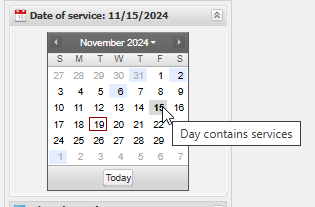
2️⃣ Select Orders Form: Open the orders form to find the studies you need.
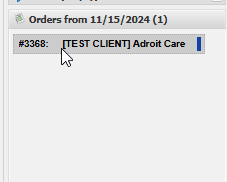
3️⃣ Navigate to Readings\Transfers: Go to this section for sending options.

4️⃣ Click “Send All” or “Send Custom”: Choose to send all studies or customize your selection
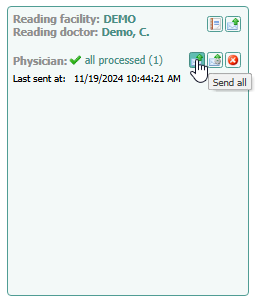
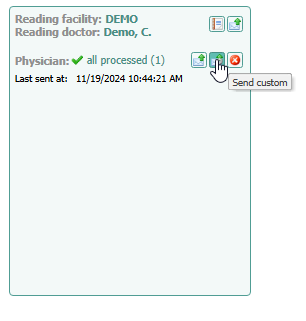
By following these steps, you can easily manage and redirect studies whenever needed. If you run into any issues, our support team is always here to help!
Stay tuned for the next EMSOW for the PROs edition, where we’ll tackle another useful tip to simplify your workflow.